
Are you feeling discomfort or pain in your lower back? It could be due to disc protrusion, a common condition that affects many individuals who spend long hours sitting at a desk. In this article, we will discuss how you can prevent disc protrusion through ergonomic workspace setup. By making simple adjustments to your desk and chair, you can protect your spine and reduce the risk of developing this painful condition. Let’s get started!

Understanding Disc Protrusion
Disc protrusion, also known as a herniated disc, occurs when the gel-like center of a spinal disc pushes through a weakened or torn outer layer. This can cause pain, numbness, or weakness in the back, legs, or arms. Factors such as poor posture, repetitive movements, and improper lifting techniques can contribute to disc protrusion.
If you are experiencing symptoms such as shooting pain, tingling, or muscle weakness, it is essential to consult with a healthcare provider for an accurate diagnosis. Early detection and treatment of disc protrusion can prevent more severe complications and improve your quality of life.
Symptoms of Disc Protrusion
Symptoms of disc protrusion may vary depending on the location and severity of the herniated disc. Common signs include:
- Sharp or shooting pain in the lower back, buttocks, legs, or feet
- Numbness or tingling in the affected area
- Muscle weakness in the legs or arms
- Difficulty standing or walking
- Pain that worsens with sitting, bending, or lifting
If you are experiencing any of these symptoms, it is crucial to seek medical attention promptly. Ignoring the signs of disc protrusion can lead to chronic pain and long-term disability.
Importance of Ergonomics in the Workspace
Ergonomics is the science of designing the workplace to fit the capabilities and limitations of the worker. A well-designed ergonomic workspace can help prevent musculoskeletal disorders, such as disc protrusion, by reducing strain on the body. By optimizing your desk setup and chair ergonomics, you can improve your posture, reduce discomfort, and enhance productivity.
Benefits of Ergonomic Workspace Setup
- Reduces the risk of musculoskeletal injuries
- Improves posture and body alignment
- Enhances comfort and concentration
- Boosts productivity and efficiency
By investing in ergonomic furniture and accessories, you can create a workspace that supports your health and well-being. Let’s explore how you can set up your desk and chair to prevent disc protrusion and promote a healthy spine.
Ergonomic Desk Setup
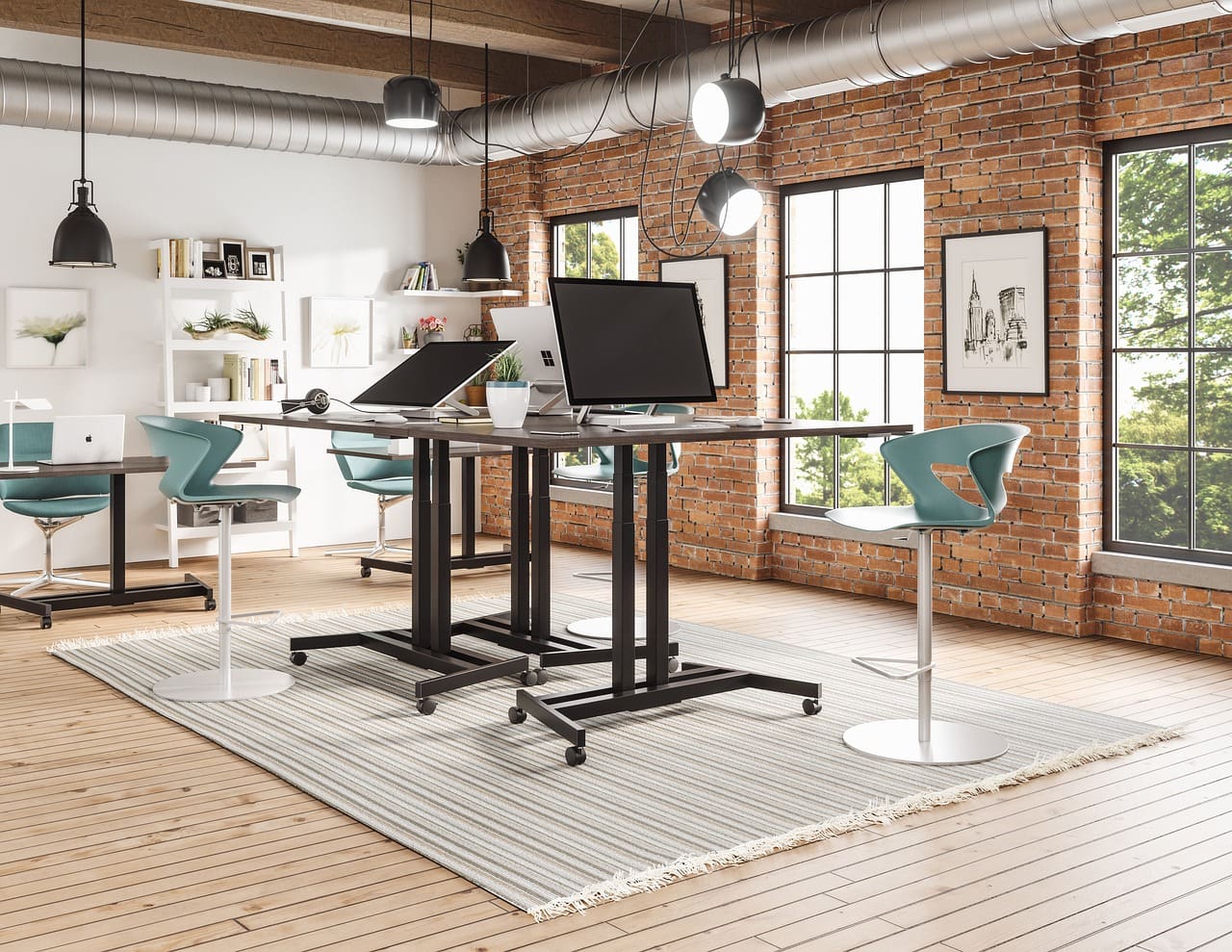
Your desk setup plays a crucial role in maintaining good posture and preventing strain on your spine. Follow these guidelines to create an ergonomic workstation that supports your back and neck:
Desk Height
Adjust your desk height to ensure that your elbows are at a 90-degree angle when typing or writing. This position helps reduce tension in your shoulders and wrists and promotes a neutral wrist posture.
Monitor Placement
Position your monitor at eye level to prevent neck strain and promote proper alignment. The top of the screen should be at or slightly below eye level, allowing you to look straight ahead without tilting your head up or down.
Keyboard and Mouse Placement
Keep your keyboard and mouse close to your body to avoid reaching or overextending your arms. Your elbows should be close to your sides and bent at a 90-degree angle, with your wrists in a neutral position.
Organization and Accessories
Use cable management tools to keep cords neat and organized, preventing tripping hazards and clutter. Consider using an adjustable monitor stand or laptop riser to elevate your screen to eye level.
Ergonomic Chair Setup
An ergonomic chair is essential for supporting your lower back and promoting a healthy sitting posture. Follow these tips to adjust your chair properly and reduce the risk of disc protrusion:
Seat Height
Adjust your chair height so that your feet are flat on the floor and your knees are at a 90-degree angle. This position helps distribute your weight evenly and reduces pressure on your lower back.
Lumbar Support
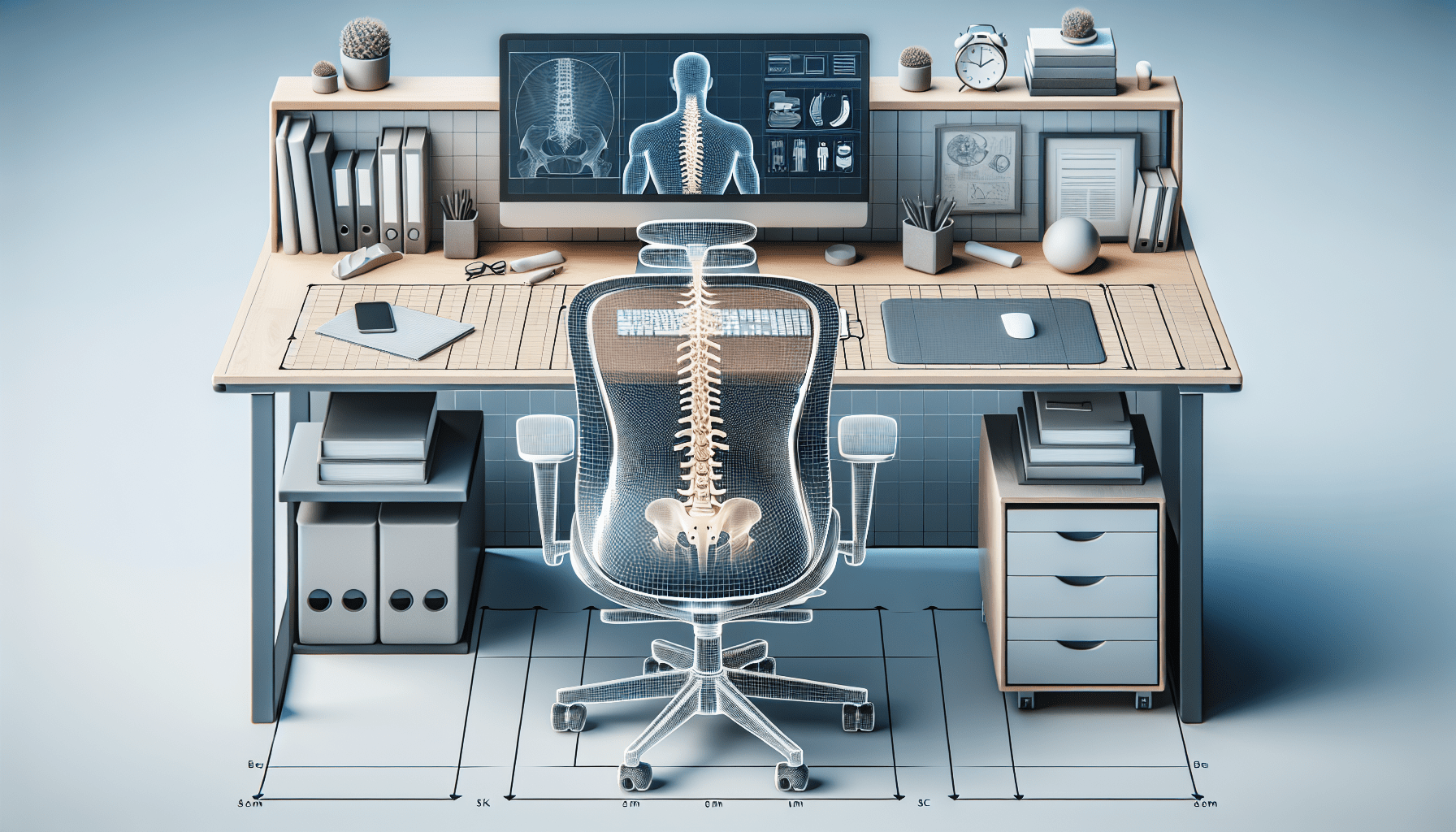
Utilize the lumbar support feature of your chair to maintain the natural curve of your lower back. Proper lumbar support reduces strain on your spine and helps prevent slouching or rounding of the shoulders.
Armrest Position
Position your armrests so that your shoulders are relaxed, and your elbows are bent at a 90-degree angle. This setup promotes proper alignment of the arms and reduces strain on the shoulders and neck.
Seat Depth and Backrest
Adjust the seat depth of your chair to support the entire length of your thighs without putting pressure on the back of your knees. Ensure that the backrest of your chair supports the natural curve of your spine and promotes a comfortable, upright posture.
Creating a Healthy Work Routine
In addition to optimizing your workspace setup, incorporating healthy work habits can further prevent disc protrusion and improve your overall well-being. Follow these tips to create a balanced work routine that supports a healthy spine:
Take Regular Breaks
Break up long periods of sitting by standing up, stretching, or walking around every 30 minutes. These short breaks can reduce muscle fatigue and prevent stiffness in your back, neck, and shoulders.
Practice Proper Posture
Maintain a neutral spine by sitting back in your chair with your back supported and your feet flat on the floor. Distribute your weight evenly and avoid slouching or leaning forward to protect your spine from unnecessary strain.
Stay Active Outside of Work
Incorporate regular exercise and physical activity into your daily routine to strengthen your core muscles and support your spine. Walking, yoga, and strength training are excellent options for improving flexibility and reducing the risk of disc protrusion.
Stay Hydrated and Eat Well
Drink plenty of water throughout the day to stay hydrated and maintain the elasticity of your spinal discs. Eat a balanced diet rich in nutrients to support bone health and reduce inflammation in your joints.
Conclusion
By understanding the importance of ergonomics in the workspace and implementing simple adjustments to your desk and chair, you can prevent disc protrusion and promote a healthy spine. Remember to listen to your body, take regular breaks, and prioritize your physical well-being to reduce the risk of musculoskeletal injuries. Your health is your most valuable asset, so invest in creating a workspace that supports your overall well-being. Take care of your spine, and it will take care of you.